FireRed Image Edit 1.1: A Practical Guide to Instruction-Based Image Editing
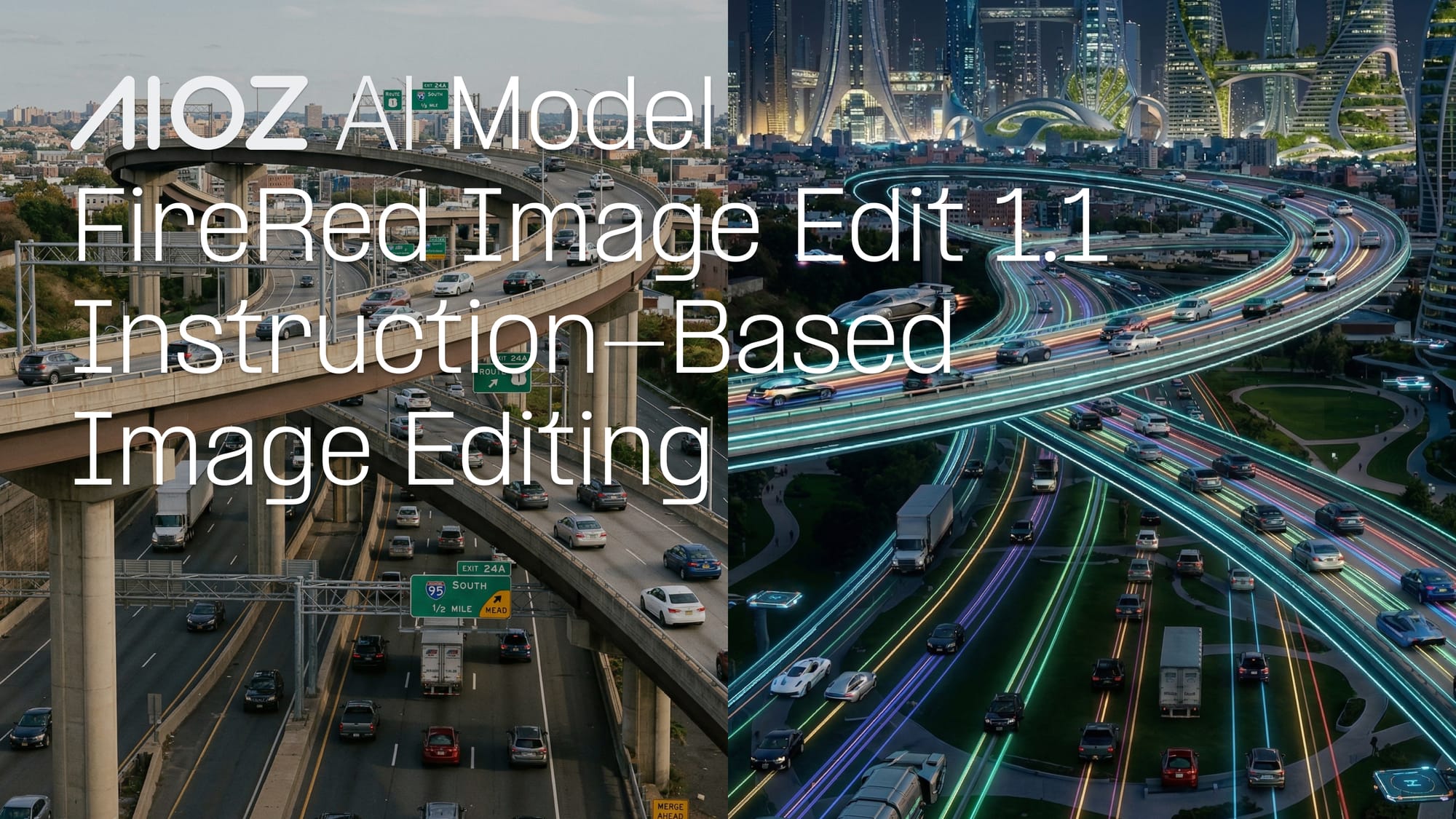
Editing an existing image is more complex than creating a new one.
From swapping backgrounds and retouching portraits to restoring old photos and virtual try-ons, real editing workflows demand models that can make targeted changes while preserving subject identity, layout, and overall consistency.
The FireRed-Image-Edit-1.1 model on AIOZ AI was designed to meet these requirements. It enables instruction-based image editing, where users can describe any change in natural language so the model applies it precisely, without altering the rest of the image.
About FireRed-Image-Edit-1.1
FireRed-Image-Edit-1.1 is a general-purpose image editing model designed for prompt-driven transformations.
It is built on the FireRed-Image-Edit-1.0 foundation model with optimizations for portrait consistency, multi-element fusion, stylized text reference, and portrait makeup effects.
It operates on an existing input image and applies edits based on user instructions.
The workflow is simple:
- Provide an input image
- Describe the desired change in natural language
- Generate an edited image with controlled modifications
This workflow positions the model as an Image-to-Image editing system, focused on precision and consistency.

How It Works
FireRed Image Edit 1.1 follows an image + instruction workflow:
- Interpret input and prompt together: The model analyzes both the source image and the editing instruction.
- Apply targeted edits: Changes are applied to relevant regions instead of regenerating the entire image.
- Preserve structure and identity: Non-target elements remain stable, maintaining layout, composition, and subject consistency.

Key Capabilities
FireRed-Image-Edit-1.1 sets a new open-source benchmark for image editing, with leading results on Imgedit, Gedit, and RedEdit.
It is built around three core areas, which are editing quality, system efficiency, and extensibility:
Strong Editing Performance
- Identity Consistency: Maintains character identity across edits, ensuring subjects remain recognizable.
- Multi-Element Fusion: Combines 10+ visual elements with agent-powered automatic cropping and stitching.
- Text Style Preservation: Maintains high-fidelity typography and stylized text comparable to closed-source solutions.
- Photo Restoration: Enhances and restores older or degraded images with improved details.
Engineering and System Optimization
- LoRA Training Support: Provides an open training workflow for custom styles.
- Optimized Inference Performance: Supports accelerated generation via optimized pipelines.
- Agent-Based Workflow: Enables automated handling of multi-image editing tasks.
- Flexible Deployment: Compatible with production tools and lightweight formats.
Editing Capability from T2I Backbone
- Transferable Architecture: Editing capability is built through a full training pipeline, allowing adaptation across different text-to-image backbones.
Parameters and Runtime Inputs
Inputs
input_image(image: .png / .jpg / .jpeg): The source image to be edited.prompt(text): Instruction describing the desired modification.seed(integer): Controls randomness for reproducibility.cfg_scale(float): Controls how strongly the model follows the prompt.steps(integer): Number of inference steps. More steps generally improve quality but increase computation time.
Output
output_image(image: .png): The edited image generated from the input and prompt.
Ideal Use Cases
FireRed Image Edit 1.1 supports a wide range of practical workflows, including:
- Photo restoration: Repair and enhance old or degraded images with high-quality detail recovery.
- Stylized transformations: Apply custom visual styles to existing images without regenerating from scratch.
- Automated pipelines: Handle multi-image editing tasks with agent-powered workflow automation.
- Design and media production: Integrate into production workflows with ComfyUI and GGUF format support.
Controlled editing with consistent results makes this model effective for both creative and production workflows.

Try FireRed Image Edit 1.1 on AIOZ AI
A practical way to start is to run a focused edit and observe how well non-target areas remain stable. From there, test consistency across identity, typography, and style through iterative edits.
FireRed Image Edit 1.1 offers a structured approach to instruction-based editing, making it a dependable option for teams that need precise and repeatable visual transformations on AIOZ AI.